

Wireless wifi mini camera
black
$30.61
Sale price
$30.61
Regular price
Skip to product information


Wireless wifi mini camera
$30.61
Sale price
$30.61
Regular price
-
Type:
Mini
- Package: Yes
- High Definition Support: 1080P (Full-HD)
- Sensor Technology: CMOS
- Model Number: C1 Wearable Body IP Camera
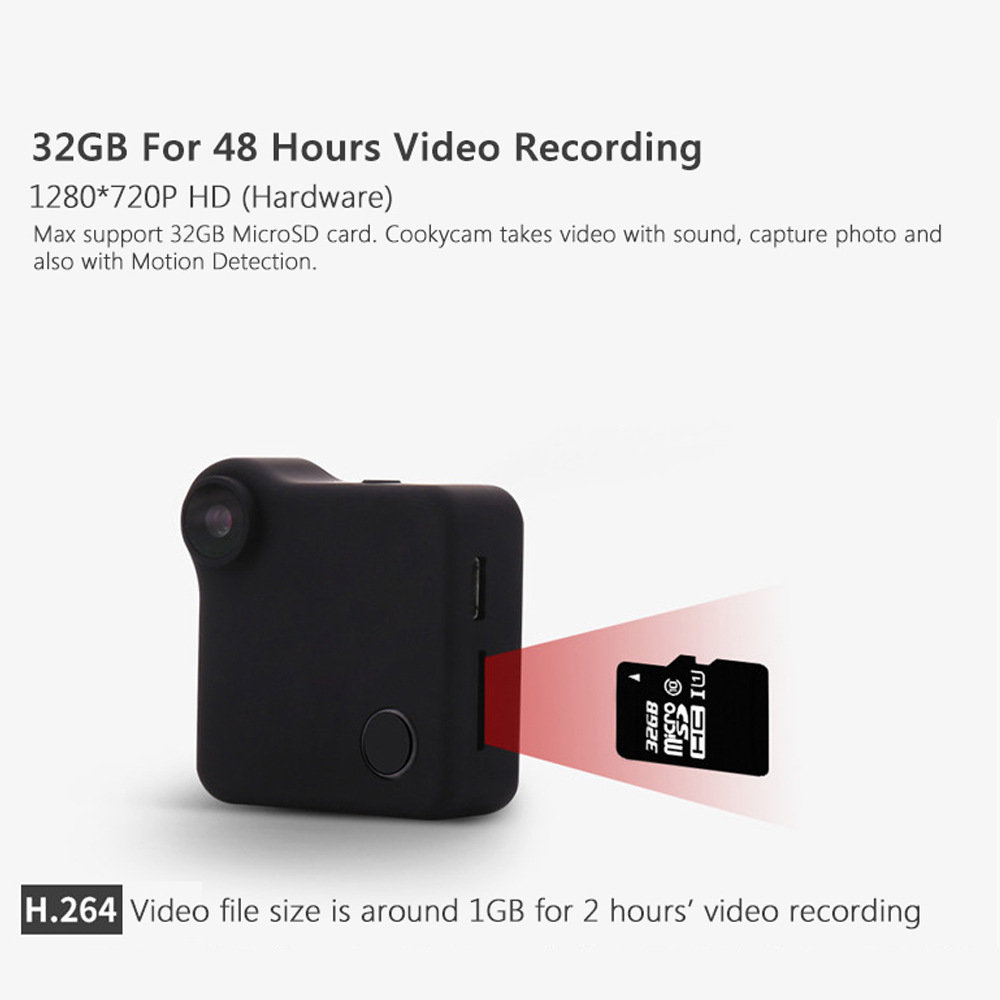
- Memory Card Type: MicroSD / TF
- Built-in Memory Size: Non
Feature:
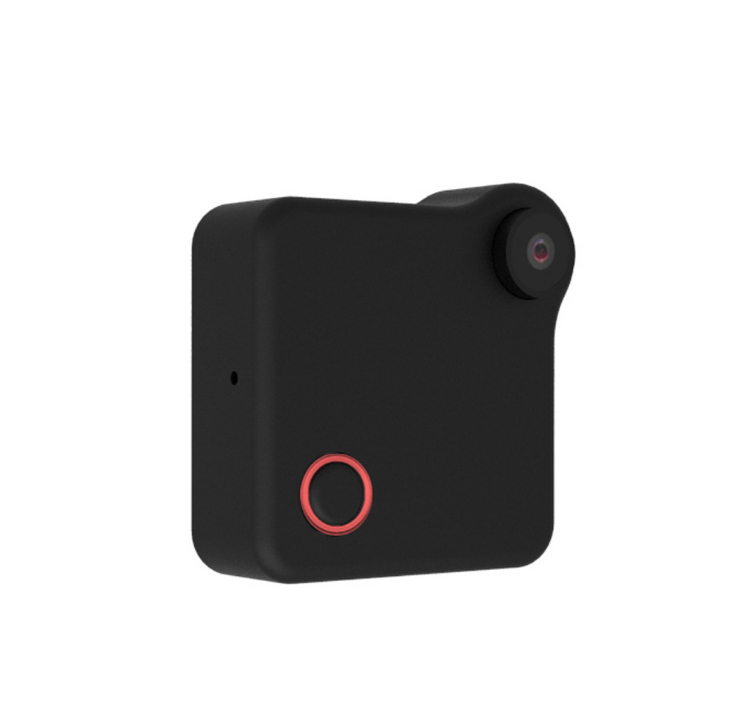
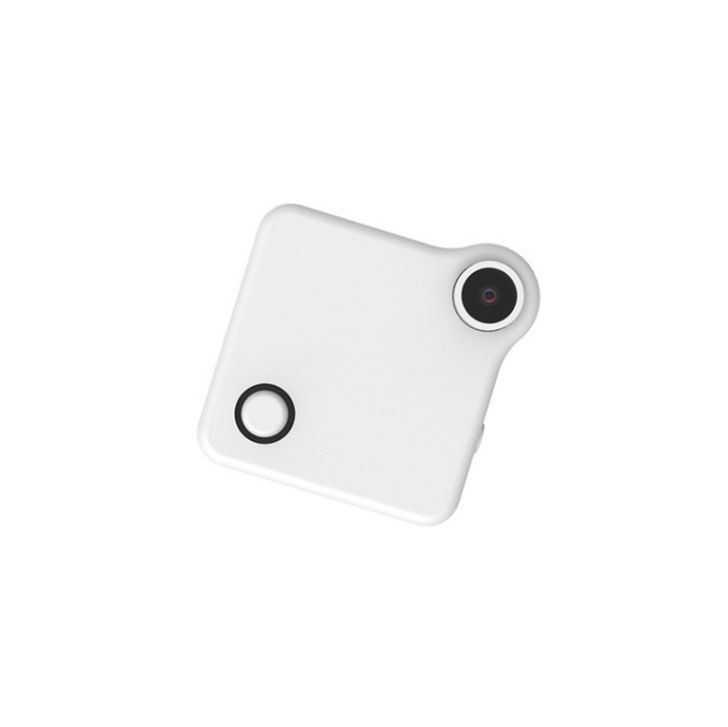
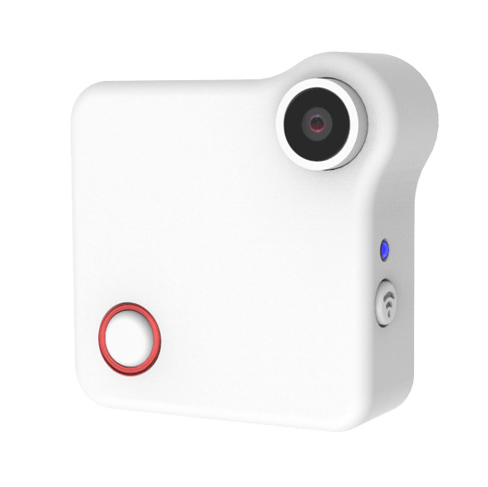
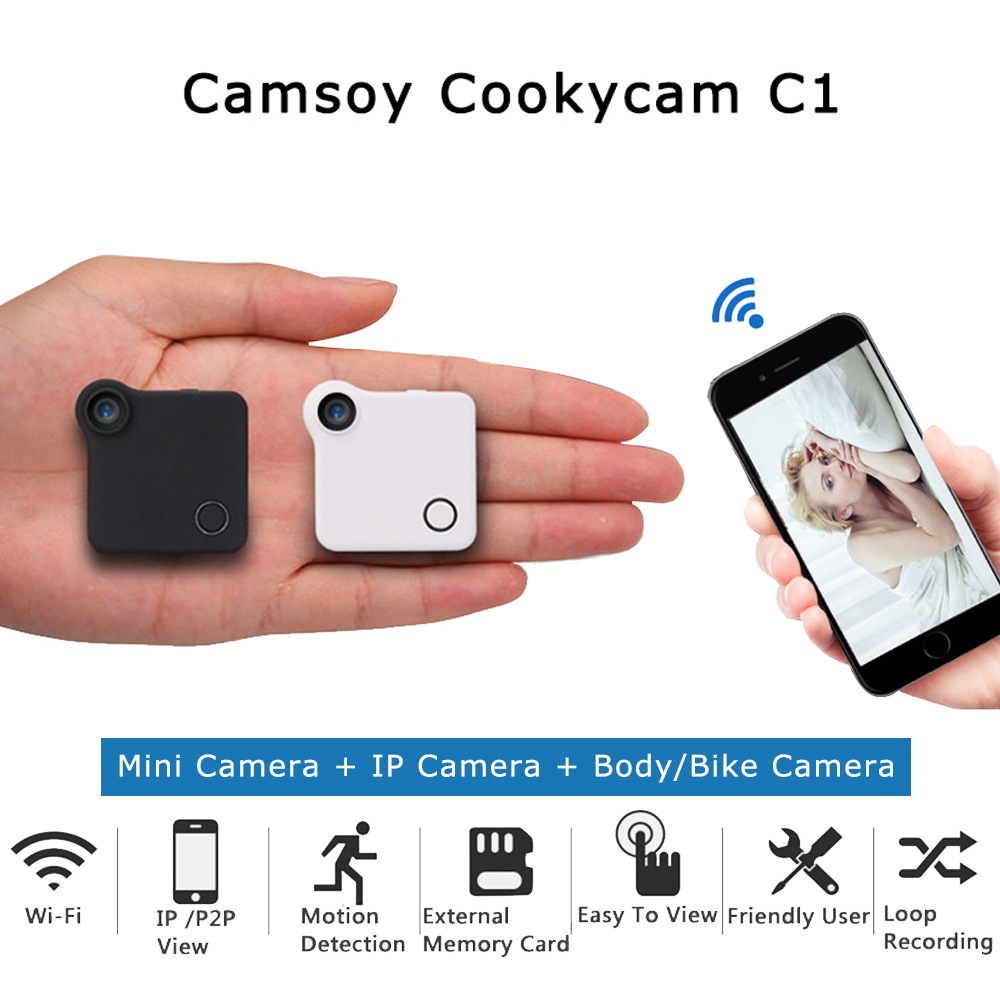
C1 CookyCam - Mini Camera + IP Camera + Body Camera + Action Camera All In 1
Wearble body design, with clip you can attach to bag, clothes
Magnetic mount & clip
Special mount for bike, car. Compatiable with Gopro accessories
Wi-Fi IP & P2P connection for remote control and live watching
Time Lapse every 15 seconds
Specifications:
- Video Resolution: HD 1280x720P
- Photo Resolution:1280x720 JPG
- File Format: .MP4 (H.264 Coded)
- Sensor Type:CMOS
- View Angle:90 degree Optical first person view angle
- IOS:50 - 6400
- Mic: Built in noise canceling microphone
- External Storage: Micro SD Card,Max. 32GB
- System:Windows XP / Mac OS 10.2 or above
- Remote Control: P2P Connect/ Remote Connect
- Dimension:40x40x15mm
- Weights:32g
- Battery:Built-in 600mAh
Basic Operation:
1.Video Mode - Red Mode indicator keeps on
Press Confirm button once, red Mode indicator turns off, the camera starts to record video.
Press Confirm button again to save video file, red Mode indicator keeps on, the camera is in Video Recording Standby mode.
2. Photo Mode - Blue Mode indicator keeps on
Press Confirm button once, the camera takes photo every 15 seconds (blue mode indicator flashes once).
3.Motion Detection - Red&Blue Mode indicator keeps on
When the camera detects object moving, Red&Blue Mode indicator turns off and starts to take video.
AP Connection (LAN)
Scan the QR Code to download App.
Connect your smart phone Wi-Fi to the Camera.
1.Power on: Press Confirm Button for 3 seconds and wait initialization finished.
2.Connect Mobile: Open WLAN, choose CookyCam, enter password 12345678(default)
3.Open APP: Click the LAN and camera ID number, use smart phone to control the camera. Through the APP, you can preview image, controlling the camera and download files.
In camera setting, you can set the camera to more modes.
Over 50$ Free Worldwide Shipping
✓ 30-Day Returns
✓ Secure Checkout
✓ 24/7 Support
✨ Overview & Benefits
Experience professional-grade quality at home. Designed with advanced ergonomic standards, this product targets high efficiency to eliminate flaws, improve usability, and restore comfort instantly.
- Premium Quality: Built using only industry-standard, clean and durable materials.
- Ergonomic Flow: Fits into your dynamic routine seamlessly.
- Reliable Build: Designed to offer long-term daily satisfaction wherever you are.
📦 Shipping & Delivery
We provide tracked, reliable shipping on all orders. Your package is handled with care and delivered straight to your doorstep.
- Processing Time: 1-3 business days.
- Delivery Estimate: 7-12 business days (tracked shipment).
- Cost: Over 50$ Free worldwide Shipping.
🛡️ Our Guarantee
Your satisfaction is our absolute priority. If you are not entirely happy with your purchase, we are here to help make it right.
We offer a straightforward 30-day money-back guarantee. No questions asked, no hidden fees.